What you can build
Five things you can build, and the SDK calls behind each one.
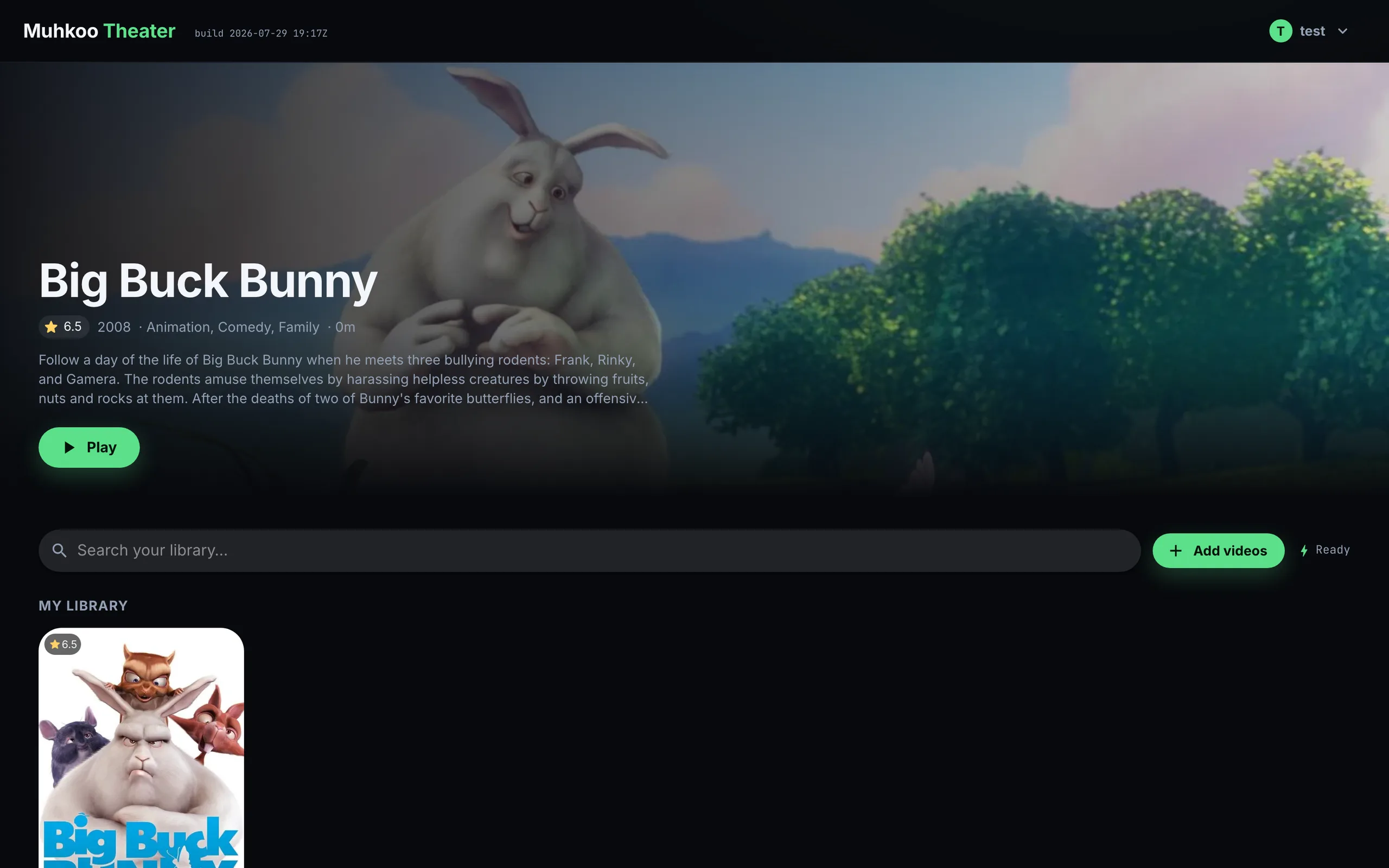
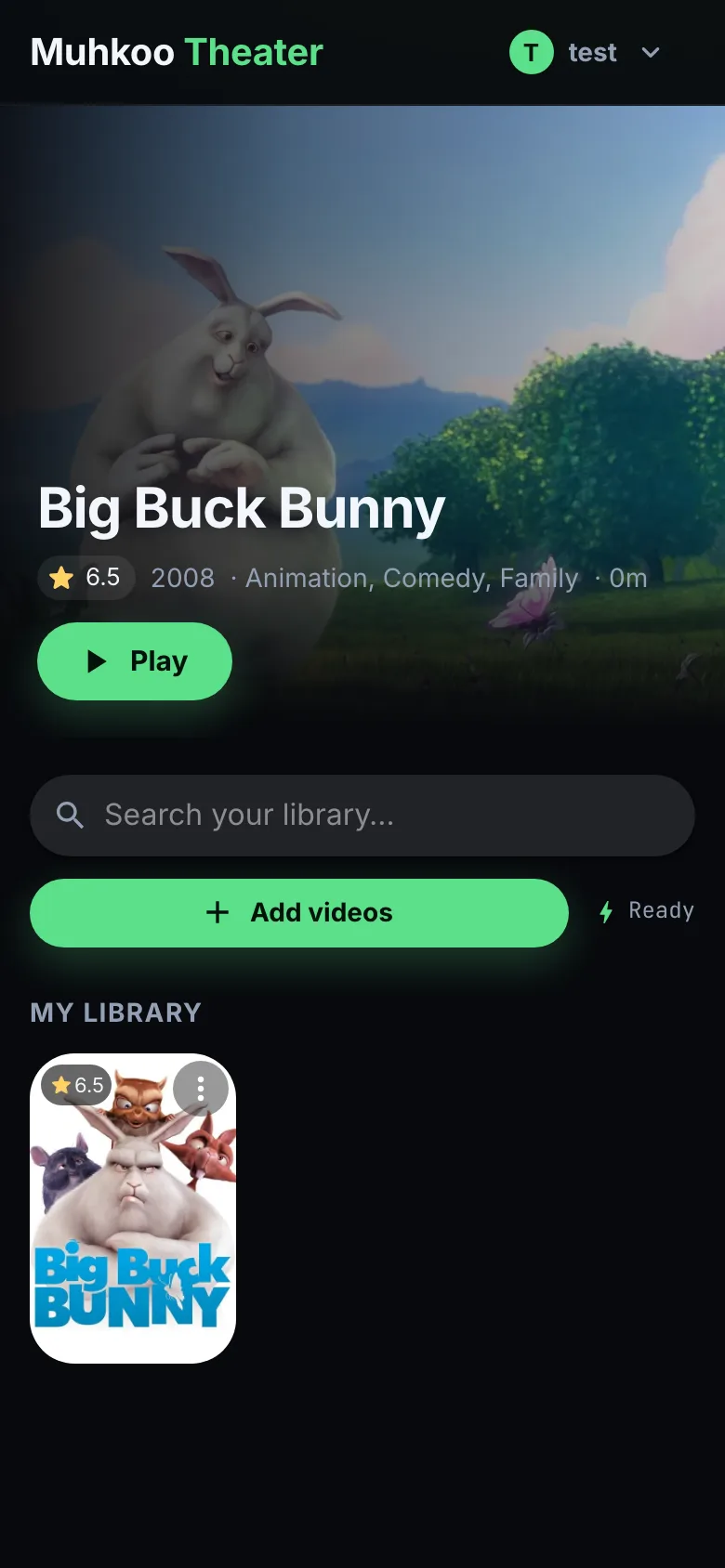
Stream your own video library.
Upload once: Theater transcodes the video in your browser, encrypts it chunk by chunk, and streams it to any screen you sign in on, decrypting each segment as it plays.
- Transcoded once, on the uploader's device — no media servers to run
- Adaptive streaming with standard players
- Files of any size, chunked and encrypted
const space = await client.space.createSpace({ messaging: false });
const { manifest } = await client.storage.writeFile({
  spaceId: space.id,
  data: videoFile,
  metadata: { name: videoFile.name, type: videoFile.type },
});
const { data } = await client.storage.readByManifest(manifest);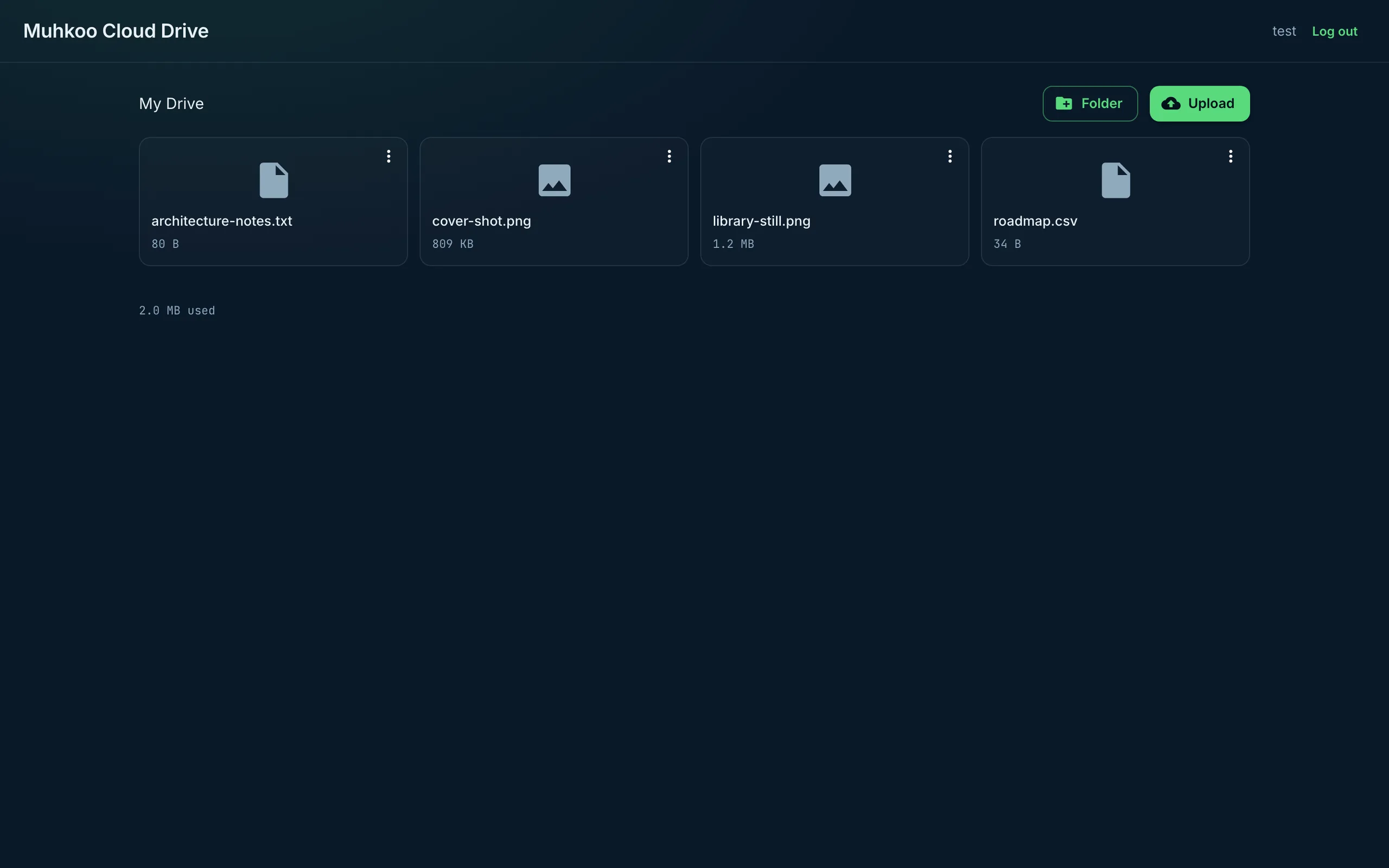
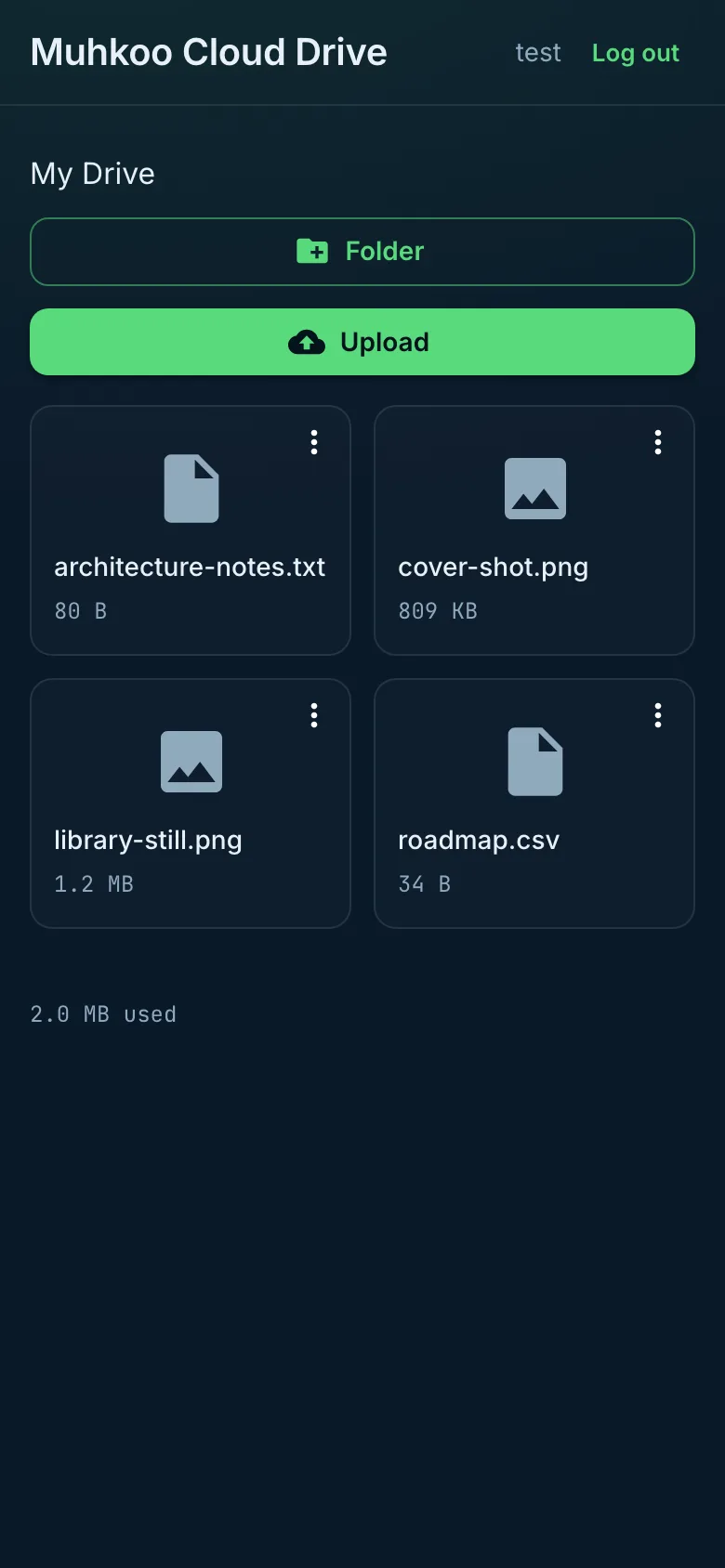
A cloud drive your users can share from.
Cloud Drive gives each user their own folders and files, with previews and share links. Every file is encrypted in the browser before it uploads, then split into erasure-coded pieces, so a lost piece never loses the file.
- Folders, drag-and-drop upload, rename and move
- Image and PDF previews in the browser
- Share links that open without an account
const drive = await client.space.joinChannel("drive");
const { manifest } = await drive.putFile(file, {
  name: file.name,
  type: file.type,
});
await client.db.table("items").insert({ name: file.name, manifest });
const { data } = await client.storage.readByManifest(manifest);const room = await client.space.joinChannel("general");
room.onMessage((e) => render(e.from, e.message.body));
await room.sendMessage("Hi everyone");
const { messages } = await room.history({ limit: 100 });Group chat that keeps working offline.
Muhkoo Chat and a Discord-style community app both run on Muhkoo spaces: channels with history, invite links and member roles. Anything written offline is sent when the connection returns.
- Group channels with persisted history
- Invite links with roles
- Offline reads and writes that sync later
await client.agents.create(appId, {
  handle: "helper",
  displayName: "Helper",
  systemPrompt: "Answer questions about orders using the orders table.",
  model: "meta/llama-3.3-70b-instruct-fp8-fast",
  tools: {
    enabled: true,
    db: { mode: "read", tables: ["orders"] },
    functions: ["send-receipt"],
    channels: false,
    maxIterations: 3,
  },
});Assistants that read your data and act in your app.
An agent joins a space like any other member, answers from your app's database, and calls your functions as tools. You pick the model and set a daily token budget.
- Pick from a catalogue of hosted models
- Tools over your database and functions
- Metered per call, with budgets
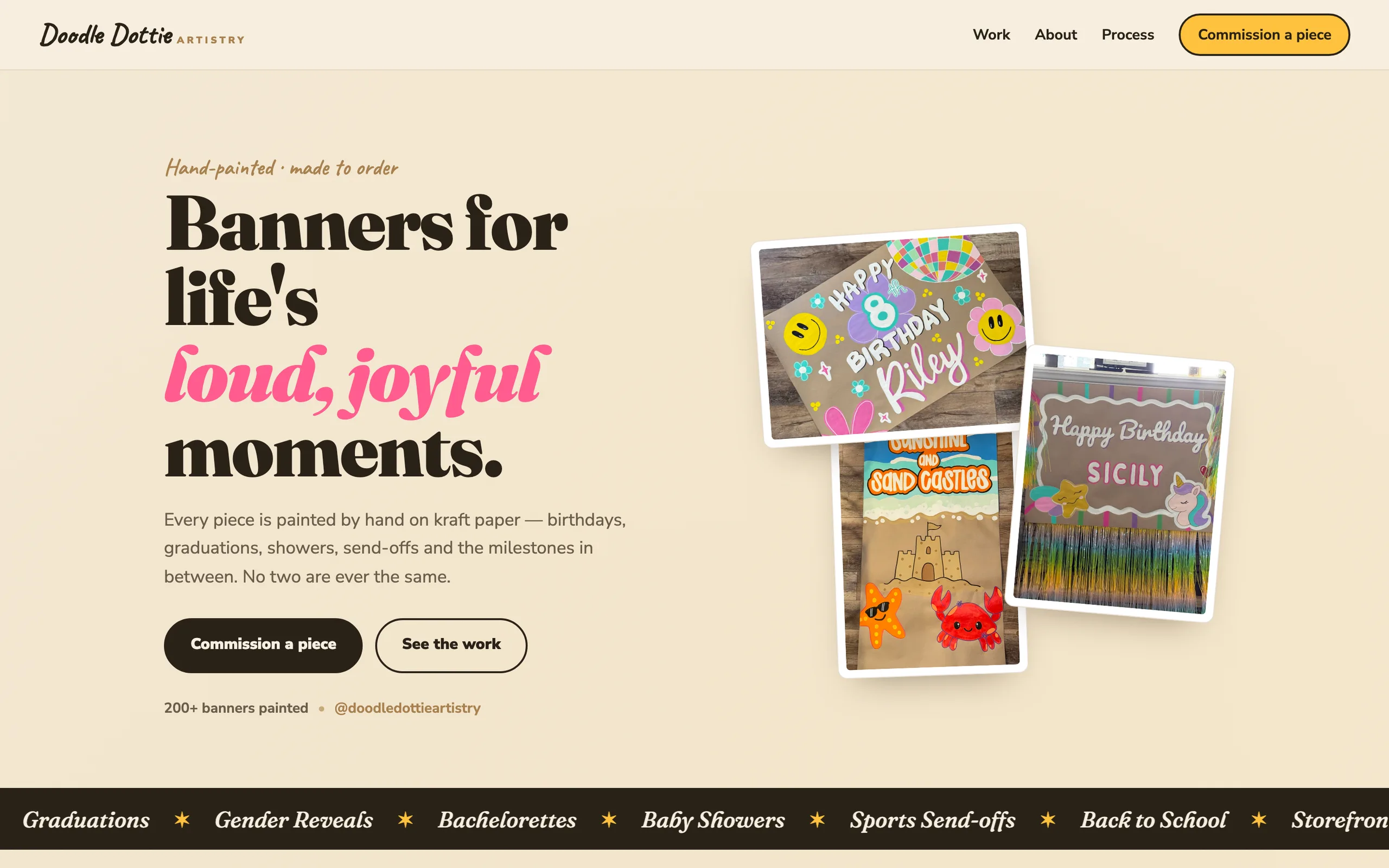
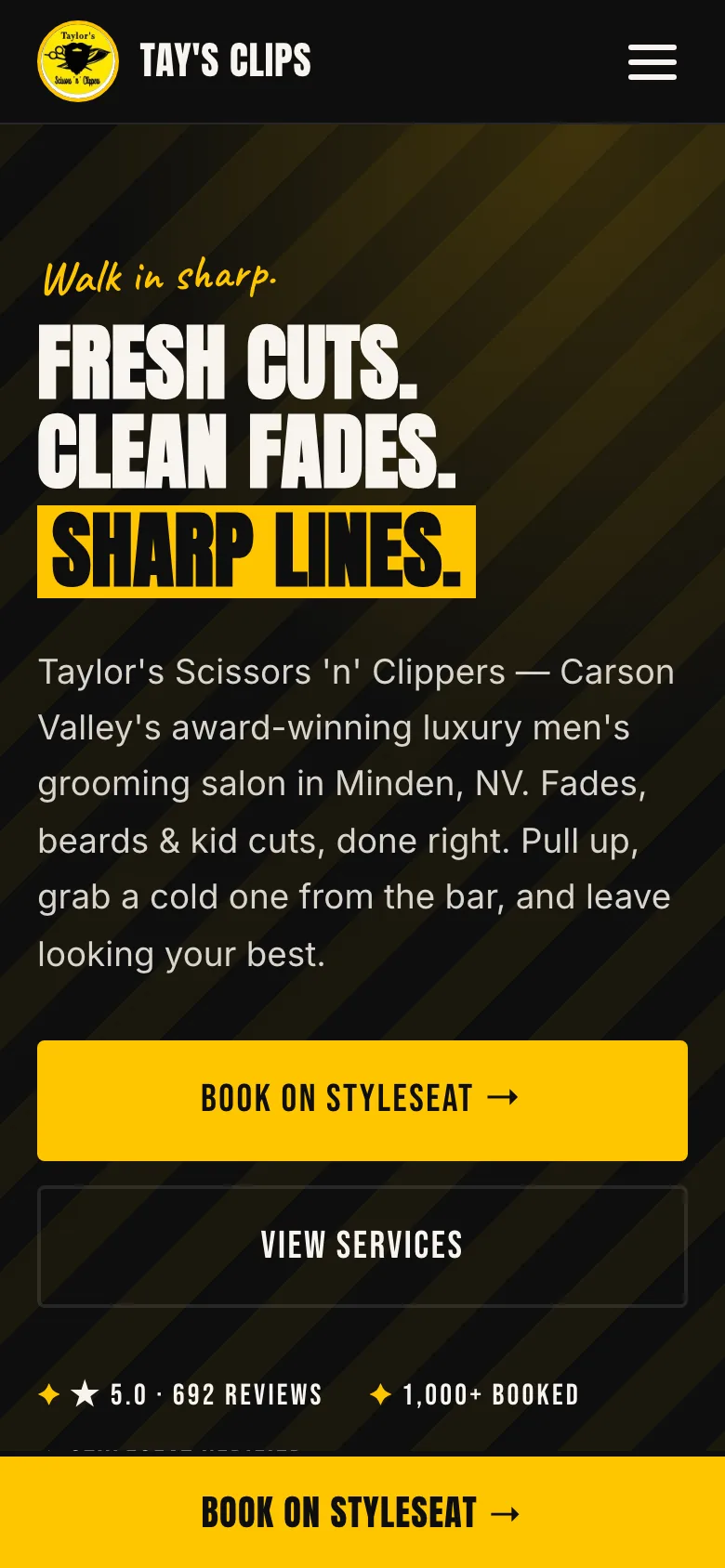
Launch a business site on its own domain.
Host a static site or shop on the business's own domain, with certificates that renew themselves. Its forms save each request to your database first, then email the owner.
- One-command deploys with history and rollback
- Custom domains and automatic certificates
- Forms that save first, then email
npx @muhkoo/cli deploy --app <appId> --dist ./dist
npx @muhkoo/cli domains add <appId> example.comBuild your first app today.
Install the SDK, follow the quickstart, and deploy with one command. Start free.